
Adobe Acrobat DC
Transform your document workflow with Adobe Acrobat DC—create, edit, and securely manage PDFs easily, including seamless e-signatures.
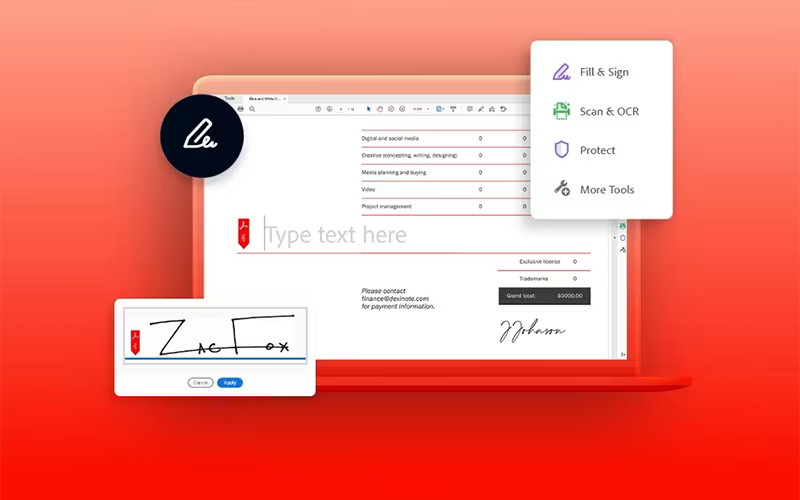
Adobe Acrobat DC serves as a powerful solution for the creation, modification, and administration of PDF documents. Initially, it may seem a bit complex to use, but its electronic signature capabilities significantly simplify document management. This software provides a comprehensive suite for file conversion, form signing, and safeguarding confidential data.
What Is Adobe Acrobat DC?
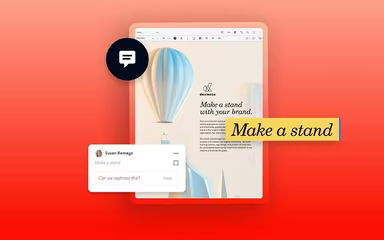
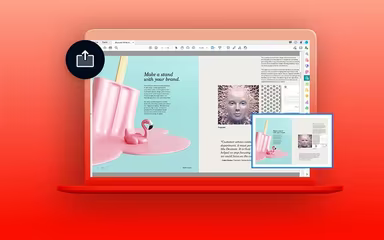
Adobe Acrobat DC serves as a powerful PDF solution, enabling users to effortlessly create, edit, convert, and share documents. When transforming files from formats like Word, Excel, or images into PDFs, it maintains the original formatting without any disruptions. The software's features for commenting and real-time sharing make it an excellent choice for collaboration among professionals, students, and educators. With its intuitive interface and compatibility across various devices, Adobe Acrobat simplifies document management for both businesses and individuals.
Adobe Acrobat DC Pricing
The pricing for Adobe Acrobat DC is structured as follows:
Individual Plans:
Acrobat Standard: $22.99/month
Acrobat Pro: $29.99/month
Business Plans:
Acrobat Standard for Teams: $14.99/month
Acrobat Pro for Teams: $23.99/month
Acrobat Pro for Teams 5-pack: $23.99/month
Students & Teachers:
Acrobat Standard for Students & Teachers: $19.99/month
Creative Cloud All Apps for Students & Teachers: $59.99/month
A comprehensive breakdown of the pricing is available to help you choose a plan that fits your business needs and budget. A free trial of Adobe Acrobat DC can be requested.
Please note that pricing may vary over time.
Adobe Acrobat DC Integrations
Adobe Acrobat DC offers integrations with several leading applications, including:
Salesforce
ServiceNow
WorkBooks
Microsoft 365
Google Drive
You can view a free demo of Adobe Acrobat DC to explore its integration capabilities further.
Who Is Adobe Acrobat DC For?
This software is well-suited for various industries and sectors, such as:
Life Sciences
Education
Information Technology
Financial Services
Insurance
Is Adobe Acrobat DC Right For You?
If you regularly handle PDFs, Adobe Acrobat DC is a strong option. It's perfect for anyone who needs to edit, convert, sign, or securely share documents while ensuring accurate formatting and robust security. The e-signature and collaboration features make it an ideal tool for professionals seeking an efficient method to manage digital paperwork. Recently, the software introduced an AI-enabled tool that enhances interactions with files. Available on both web and mobile platforms, it employs SSL security measures to protect your data. This is why numerous organizations like Puma, Tesla, and Facebook rely on Adobe Acrobat DC.
If you still have questions about whether Adobe Acrobat DC is right for you, please reach out to our support team at info@softwareseekers.com for further assistance.