

Smart Contractor
Streamline your construction projects with Smart Contractor's estimates, real-time tracking, and secure document management for efficient results.
Smart Contractor provides tools for estimates, live tracking, and document management tailored for construction projects. Although there is room for enhancement in the in-app assistance, the software boasts dependable features and robust security. Some users might perceive the range of functionalities as slightly daunting. However, its attractive pricing and complimentary updates render this software a significant candidate.
What Is Smart Contractor?
Smart Contractor is a construction management tool that operates in the cloud, allowing access through both desktop and mobile devices. It provides solutions for handling job estimates and cost accounting, making it suitable for both residential and light commercial construction projects. The software excels in generating precise job estimates, managing construction documents, offering detailed job cost accounting, and ensuring timely reporting of job information.
What Is Smart Contractor Best Known For?
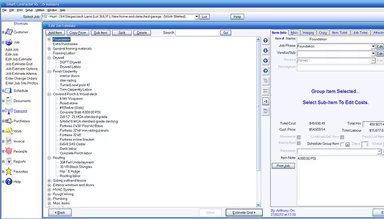
The standout feature of Smart Contractor is its robust estimating functionality. This tool enables users to produce comprehensive job estimates. Additionally, it integrates seamlessly with various project management and job costing tools, including National Construction Estimator® Cost Data, to deliver a holistic perspective on project finances.
Smart Contractor Pricing
The platform presents three different pricing tiers:
Basic - $99/user/year
Pro - $149/user/year
Complete - $249/user/year
You may also inquire about customized pricing options tailored to your specific construction project requirements.
Note: Prices may vary over time.
Smart Contractor Integrations
Smart Contractor works well with a variety of third-party applications, such as:
AccuBid
AutoCAD
QuickBooks
PlanSwift
CAD Estimator
eTakeoff
How Does Smart Contractor Work?
To begin using Smart Contractor software, simply follow these straightforward steps:
Log into your Smart Contractor account.
Select 'Add Job' located at the top of the main window to initiate a new job.
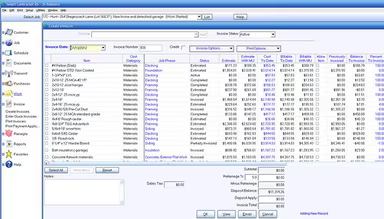
Fill in the required details and generate a detailed estimate for the job.
After creating the job and estimate, additional options will become accessible in the menus.
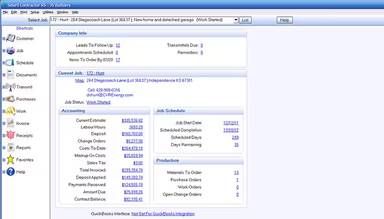
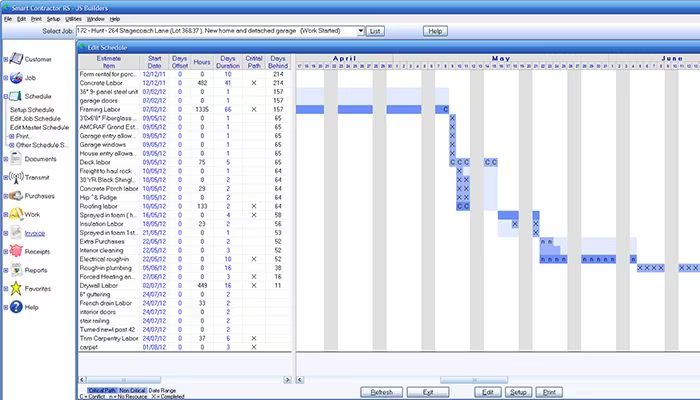
Utilize these options to oversee job costs, schedules, and other project aspects.
Switch between jobs by choosing from the 'Select Job' dropdown at the top of the main window.
Access the 'Setup Menu' to adjust further settings as necessary.
If you need assistance, you can request a free demo of Smart Contractor to see how it functions.
Who Is Smart Contractor For?
This adaptable construction software is designed for multiple sectors and industries, including but not limited to:
Residential Construction
Light Commercial Construction
Remodeling
Restoration
Electrical Contracting
HVAC Contracting
Plumbing Contracting
Is Smart Contractor Right For You?
Awarded for its excellence, Smart Contractor is relied upon by many prominent clients and partners within the industry. It provides strong security features and scalability that can support your business growth. The software also includes a variety of add-ons tailored to meet your unique requirements.
Additionally, it effectively tackles significant challenges faced in the construction sector by streamlining project management and enhancing communication and collaboration among teams.
If you're still uncertain whether Smart Contractor is suitable for you, don't hesitate to reach out to our customer support team at info@softwareseekers.com for assistance in making an informed decision.