

CubHub
Simplify your healthcare practice with CubHub software. Enjoy precise documentation, seamless scheduling, and streamlined billing for better patient care.
Are you overwhelmed by the intricacies of managing a healthcare practice? Look no further than CubHub, designed specifically for clinics like yours. This solution alleviates all your administrative burdens by providing accurate documentation, effortless scheduling, and efficient billing. Enhance your practice and improve patient care. Discover the power of efficiency today – delve into CubHub systems now!
What Is CubHub Software?
Overview
CubHub is a leading name in the healthcare software sector, providing a detailed Electronic Medical Records (EMR) solution designed to optimize and improve various facets of medical practice management. Celebrated for its intuitive interface and powerful features, CubHub has become a popular choice for healthcare professionals in search of effective patient management and record-keeping tools.
What Is CubHub Software Best For?
The software is particularly recognized for its sophisticated EMR functionalities, allowing healthcare providers to effortlessly handle patient data, treatment plans, medical histories, and appointments. Thanks to its user-friendly design and comprehensive features, CubHub stands out as a dependable option for practices of any size.
CubHub Software Pricing
The cost of CubHub is determined by several pricing factors, and you can obtain a personalized quote by reaching out to us.
CubHub Software Integrations
Currently, CubHub has not shared any information regarding its third-party integrations.
How Does CubHub Software Work?
To begin using CubHub EMR, follow these steps:
Log in using your provided credentials.
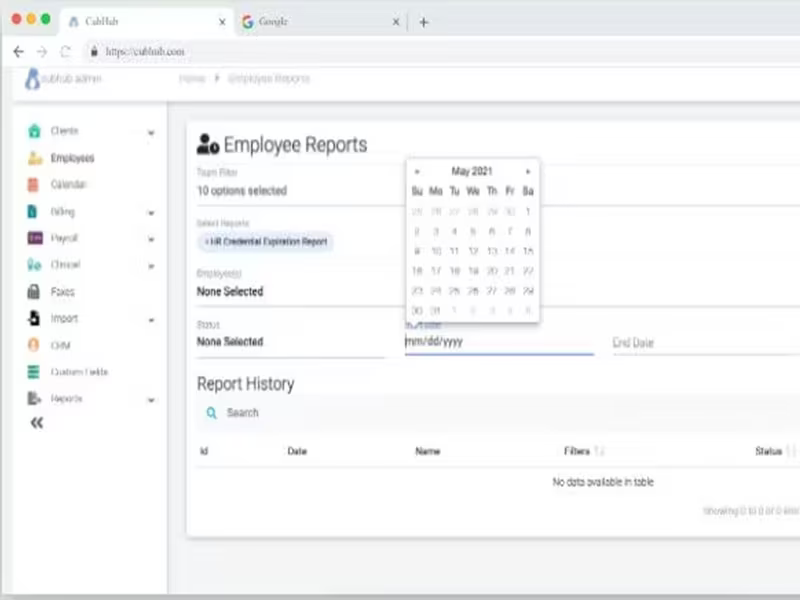
Explore all available features, tools, and modules through the all-access dashboard.
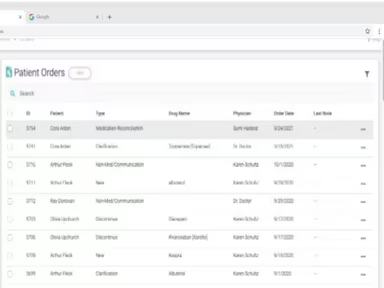
To add a new patient, go to the "Patients" tab and select "Add New Patient." Fill in the patient's details, medical history, insurance information, and any relevant documents.
Navigate to the "Appointments" section to choose the desired date and time slot. Associate the appointment with the respective patient profile and set reminders if needed.
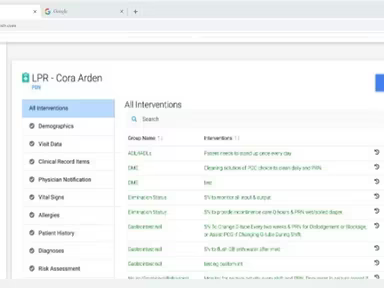
Access the patient's EMR by clicking on their profile and entering information such as diagnoses, treatment plans, medications, and progress notes.
Create invoices for services provided, monitor payments, and manage insurance claims efficiently within the software.
For further assistance, you can view the CubHub demo.
Who Is CubHub Software For?
CubHub is designed to cater to the requirements of healthcare providers, including private practices, clinics, and hospitals. It also offers solutions for pediatric nursing and user-friendly home healthcare software. The software is utilized by:
Pediatric nursing
Pediatric therapy and caregiver services
Pediatric home care industry
Preferred home health care
Nursing services
Home care EMR solution
Medicaid-focused agencies
Is CubHub Software Right For You?
If you are a healthcare professional aiming to enhance patient care and streamline practice management, CubHub might be just what you need. Simplify your administrative duties, boost patient engagement, and gain valuable insights with their comprehensive clinical notes while saving countless hours on administrative tasks that can be redirected towards improving your practice's performance. Whether you operate as an independent practitioner or are part of a larger medical establishment, CubHub’s easy-to-use interface and extensive capabilities can effectively address your challenges and enrich the overall patient experience.
If you're still uncertain, please reach out at info@softwareseekers.com. Our support team is ready to assist you with any questions you may have!
CubHub Software Pricing Plans
The pricing for CubHub will vary based on your specific practice requirements, number of users, and other related considerations.