

OfficeEMR
Streamline your practice with OfficeEMR, optimizing clinical workflows and reducing administrative burdens for efficient billing, scheduling, and reporting.
OfficeEMR serves as a comprehensive solution designed to assist practices in enhancing their clinical operations while minimizing administrative challenges. It enables efficient management of billing, claims processing, scheduling, reporting, and additional tasks. Patients can take advantage of the portal to view their records, complete intake forms, and access charts. Discover the wide variety of features this tool provides today!
What Is OfficeEMR?
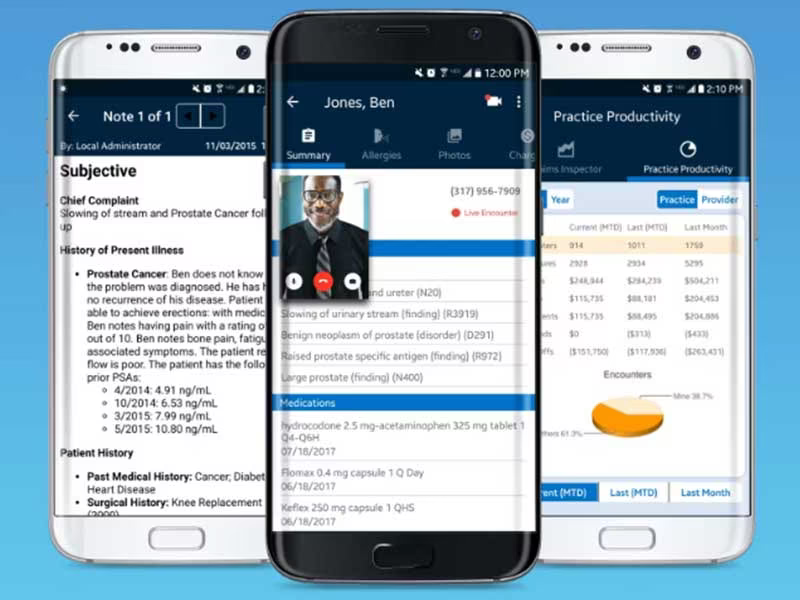
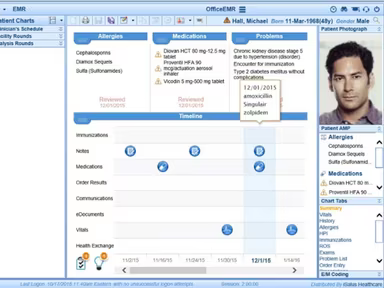
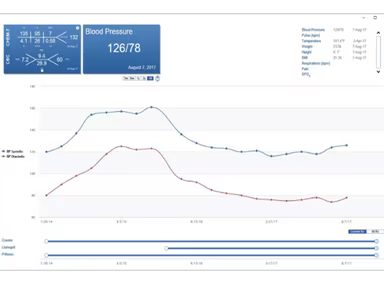
OfficeEMR, developed by iSalus Healthcare, is a cloud-driven electronic medical record and practice management system tailored for small to medium-sized healthcare practices. This solution features tools designed to streamline clinical processes and enhance the quality of care provided to patients. With options like a patient portal, monitoring functionalities, billing statements, appointment reminders, and an array of additional features, OfficeEMR enables you to save time while focusing on patient care.
What Is OfficeEMR Best For?
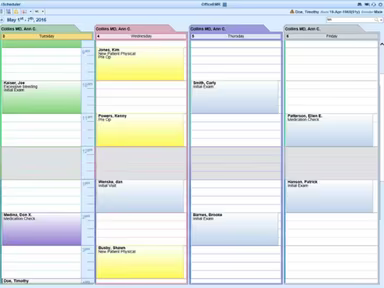
A standout aspect of OfficeEMR is its appointment reminder feature. This tool plays a crucial role in minimizing no-shows and boosting overall appointment compliance by facilitating timely communication with patients. Users have the flexibility to customize their reminder settings, including the preferred method of communication (email, text, or phone call) and when notifications are sent. This capability enhances patient engagement and optimizes the scheduling process.
OfficeEMR Pricing
The pricing for OfficeEMR is contingent upon the size, type, and specific needs of your organization. Reach out to us for detailed information regarding the software's pricing plans.
OfficeEMR Integrations
This software seamlessly integrates with various third-party applications, including:
Birdeye
OhMD
St. Vincent Health
AnywhereCare
How Does OfficeEMR Work?
After gaining access to the dashboard, you can utilize the software's features in the following ways:
Define user roles, access levels, and permissions.
Migrate patient data from your former system or enter it manually.
Create customized templates for visit notes, referrals, and prescriptions.
Set up billing profiles and input insurance information.
Integrate lab, pharmacy, and imaging systems for efficient data sharing.
Modify system preferences, security settings, and display configurations.
Produce customizable reports to examine trends and assess practice performance.
You can also arrange a complimentary demo of OfficeEMR to explore more about its functionalities.
Who Is OfficeEMR For?
The OfficeEMR software is designed for small to mid-sized specialty practices such as nephrology, urology, and otolaryngology. It is commonly utilized by:
Chronic care management
Orthopedics
Neurosurgery
Pain management
Is OfficeEMR Right For You?
If you're in search of an EHR and practice management software that can enhance clinical workflows and operational efficiency, then look no further. OfficeEMR provides a robust solution aimed at optimizing administrative and financial services.
This software is highly flexible and scalable, adapting as your practice grows. Whether you are overseeing a single location or multiple offices, its cohesive interface simplifies operations across different providers, specialties, and service locations. Additionally, the software complies with HIPAA regulations to ensure data privacy.
If you're still uncertain whether OfficeEMR suits your practice's needs, feel free to reach out to us at info@softwareseekers.com; our support team is ready to assist you in making an informed choice.