

QMed
Streamline your clinic's operations with QMed, the user-friendly EHR solution for scheduling, billing, and remote consultations to enhance patient care.
QMed is an intuitive electronic health records (EHR) system designed to assist clinics in managing scheduling, billing, and remote consultations. Although a few users mention challenges with customization options, QMed provides a streamlined interface along with useful features that enhance patient interaction and facilitate improved care coordination.

What Is QMed?
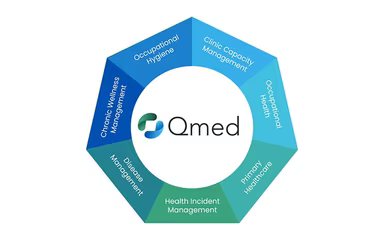
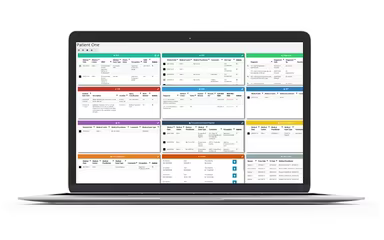
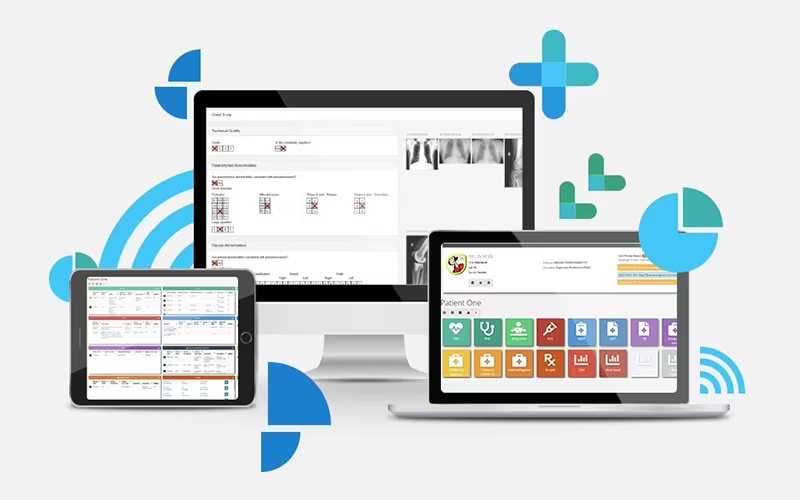
QMed is a comprehensive electronic health record (EHR) platform hosted in the cloud, aimed at automating the entire workflow within clinics for healthcare providers. It enhances appointment scheduling with automated reminders, streamlines billing and payments, and offers rapid access to patient information through a user-friendly dashboard. Additionally, the platform enables remote video consultations, improving accessibility to care while minimizing travel time. In essence, QMed assists clinics in boosting their operational efficiency, lowering no-show rates, and providing more cohesive patient care.
What Is QMed Best Known For?
The standout feature of QMed is its ‘Video Consult’ capability, which allows patients, staff, and healthcare providers to connect remotely, saving both time and travel expenses. This feature is particularly beneficial for ongoing care, especially for individuals living far away or in situations where in-person visits aren’t feasible. It enhances the convenience and accessibility of healthcare for all parties involved.
QMed Pricing
QMed provides adaptable pricing structures that are tailored based on your practice's size, type, and specific needs. Reach out today for a customized quote that aligns with your budget and requirements.
QMed Integrations
Details about the availability of particular third-party integrations are currently not provided.
How Does QMed Work?
To begin using the software, follow these steps:
Log in to access your all-in-one clinic management dashboard.
Utilize the ‘Patient List’ feature to view records and perform custom searches.
Schedule patient appointments while minimizing no-shows through automated reminder settings.
Handle payments and generate receipts instantly from the ‘Financials’ tab.
Conduct secure remote sessions using the integrated ‘Video Consult’ feature.
Easily navigate between clinical modules to streamline daily operations from a single platform.
Don’t miss out on scheduling your complimentary QMed demo today before our limited slots fill up. This demo will provide a quick visual overview of the software’s capabilities.
Who Is QMed For?
QMed is an adaptable EHR system tailored to meet the needs of healthcare organizations across various sizes and specialties.
Is QMed Right For You?
If you require a secure and scalable EMR solution that minimizes tedious manual paperwork and reduces appointment no-shows, QMed may be the perfect fit for you. It is crafted to assist clinics of different sizes by simplifying intricate workflows and enhancing overall operational efficiency.
The platform also complies with adequate security measures and standards, ensuring that your patient data remains safe at all times.
If you’re uncertain whether QMed is suitable for your practice, feel free to reach out to us at info@softwareseekers.com for personalized assistance.