

OnPay Payroll
Simplify payroll, HR, and benefits with OnPay Payroll's all-in-one solution, designed to effortlessly handle complex tasks for small businesses.
OnPay Payroll presents a comprehensive solution designed to make payroll, HR, and benefits management easier for small enterprises. It efficiently manages intricate processes such as payroll execution, tax submissions, and onboarding of new employees. While there are suggestions from some users indicating that the documentation aspect could use enhancements, OnPay Payroll still provides smooth functionality to optimize business operations.
What Is OnPay Payroll?
OnPay Payroll is a comprehensive solution that combines payroll processing, human resources (HR), and benefits management into one user-friendly software. Designed specifically for small businesses, its cloud-based system efficiently handles employee and contractor payments across various states, featuring direct deposit capabilities. The platform also takes care of tax management and deductions, ensuring compliance with federal, state, and local regulations.
What Is OnPay Payroll Best For?
This software excels at automating financial tasks such as payroll tax calculations, deduction management, and pay stub generation. It simplifies the payroll process with an easy-to-navigate interface that enables users to input hours worked, review payment documents, and authorize direct deposits in just a few clicks. You can trust that salary computations are accurate, and tax filings are managed automatically.
OnPay Payroll Pricing
The pricing structure starts at $40 per month with an additional charge of $6 per person each month. Custom pricing plans designed to meet your unique business needs can also be requested.
Note: Pricing may vary.
OnPay Payroll Integrations
This platform integrates smoothly with various third-party applications, including:
QuickBooks Time Software
Deputy
Xero Accounting Solution
When I Work
LMS Traliant
How Does OnPay Payroll Work?
After logging in, you can easily explore the dashboard and utilize OnPay’s features by following these steps:
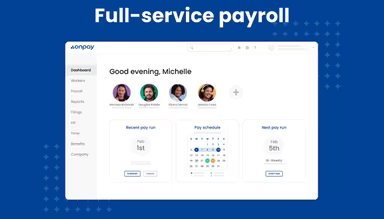
To access payroll forms, runs, and direct deposit configurations, go to the 'Payroll' section.
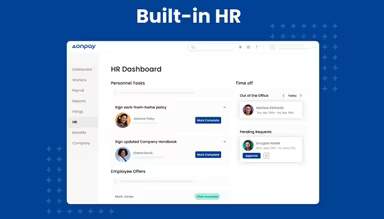
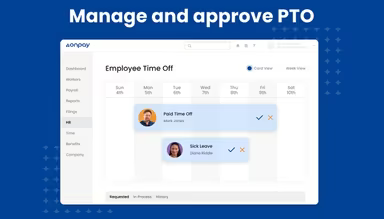
Manage employee records, directories, hiring processes, and communications by selecting the 'HR' tab.
Click on 'Benefits' to enroll or manage health, dental, vision, and retirement plans.
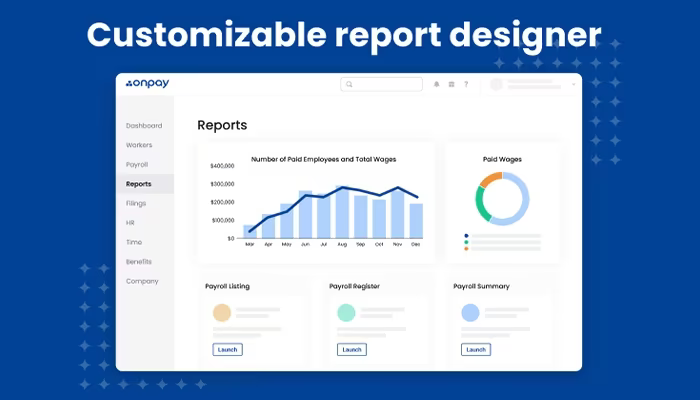
Navigate to the 'Reports' tab to create tailored payroll, attendance, and compliance reports.
Use widgets for detailed information or filters to specify date ranges.
Set notifications and reminders through your user profile settings.
Access guides and support documentation via the question mark menu icon.
If needed, reach out for assistance through the live chat in the 'Support' section.
You can also arrange a complimentary demo of OnPay to discover more about its capabilities.
Who Is OnPay Payroll For?
This payroll solution is ideal for various sectors and industries including:
Healthcare
Agriculture
Non-profit organizations
Restaurants
Fitness and wellness
Retail
Is OnPay Payroll Right For You?
If you're in search of a robust payroll and HR software that also incorporates accounting functionalities, OnPay Payroll might be the perfect fit. It has earned the trust of users globally, including prominent names like Forbes, CNN, and CNBC.
The software addresses essential security and compliance needs by managing payroll taxes, filing reports, and safeguarding sensitive employee information. As your business expands, its adaptable platform offers additional services such as 401k plans, workers' compensation insurance, and healthcare benefits.
If you still have questions about whether this platform is right for you or want to learn more about its advantages and disadvantages, feel free to reach out at info@softwareseekers.com for personalized assistance.