

.
What Is ClickLearn?
Overview
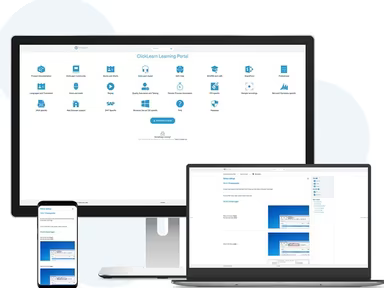
ClickLearn is a cloud-based Learning Management System (LMS) and digital adoption tool designed to streamline the creation of training content. This software enables users to swiftly generate and update educational materials in forty-five different languages and seven distinct formats.
The primary features of ClickLearn encompass Learning Analytics, an eLearning Portal, a Virtual Assistant, and a Recorder, among others. It provides robust support for both mobile and web platforms, along with an effective API (Application Programming Interface).
What Is ClickLearn Best For?
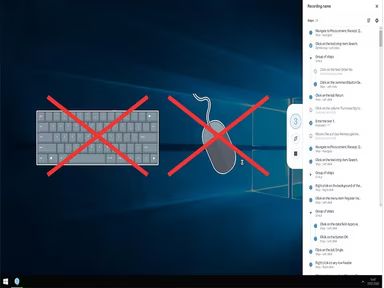
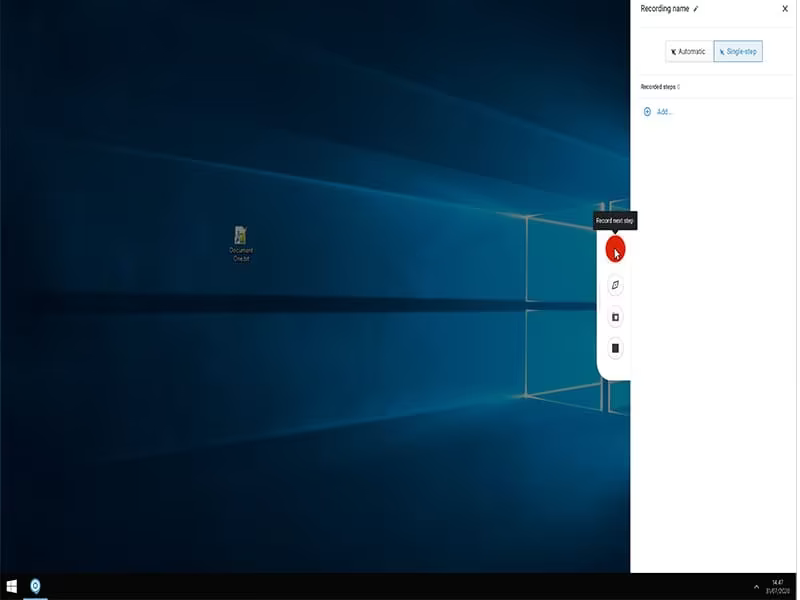
ClickLearn LMS is particularly noted for its user-friendly process-capture functionality. This feature allows users to seamlessly record and document business processes, converting them into engaging tutorials and learning resources. As a result, the LMS makes it easier to create detailed step-by-step guides that accurately portray real-world processes.
ClickLearn Pricing
ClickLearn offers a range of pricing plans as well as tailored quotes. Click on Get Pricing to discover the costs associated with ClickLearn software.
ClickLearn Integrations
ClickLearn integrates with various third-party applications, such as:
SAP
IFS
Oracle
Microsoft Office 365
Microsoft Power Platform
Acumatica
Salesforce
Windows Connector
How Does ClickLearn Work?
To begin using ClickLearn software after installation, follow these steps:
Log in with your provided credentials to access the dashboard.
Create a new project by selecting the system you wish to document or train on.
Select from various methods for capturing business processes (such as recording actions, taking screenshots, or using process flows).
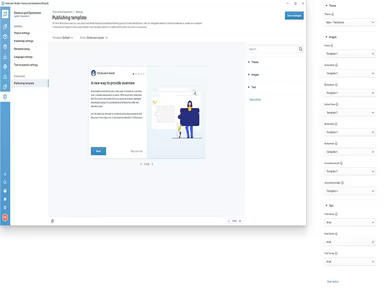
Utilize the user-friendly ClickLearn document editor to enhance your generated documentation with extra details, annotations, and instructions.
Once your document is complete, choose the output format that works best for learners (like videos, interactive tutorials, or printable documents).
Publish and track the new content on your preferred platforms (such as an LMS or intranet) using ClickLearn’s advanced content distribution and monitoring tools.
Click Watch Demo for additional tips and a sneak peek at the ClickLearn demo.
Who Is ClickLearn For?
The ClickLearn software is ideal for organizations implementing projects on platforms like Oracle, IFS, SAP, and Microsoft Dynamics 365. Common users of this software include:
Digital adoption specialists
Change managers
Onboarding specialists
Human resource (HR) managers
Training and Development (T&D) professionals
Is ClickLearn Right For You?
If you're looking for an intuitive learning management system to develop training materials, ClickLearn is an excellent choice. Its user-friendly interface and extensive features enable individuals with varying levels of technical expertise to create captivating and interactive tutorials.
No matter if you need to train staff on new software, onboard customers for your products, or ensure compliance throughout your organization, ClickLearn equips you with the necessary tools to simplify the process. By facilitating content creation, this software aids in saving time, reducing costs, and improving the effectiveness of your educational initiatives.
This is why many esteemed companies like K3 Pebblestone, McLaren, and Ascensus utilize ClickLearn. If you have further questions regarding ClickLearn, feel free to reach out to us at info@softwareseekers.com. Our support team is here to assist you!