

Travitor
Transform your training management with Travitor. Simplify creation, assignment, and measurement for a more efficient and engaging learning environment.
Are you facing challenges in managing training? Look no further than Travitor, a solution that enhances your training processes. Discover this cutting-edge platform that facilitates the creation, distribution, and evaluation of training programs. It aims to optimize your educational setting, making it more engaging and productive, ultimately revolutionizing your approach to learning in the workplace.
What Is Travitor?
Overview
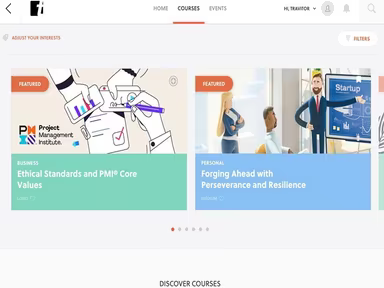
Travitor is a learning management system (LMS) designed to assist in the creation, deployment, management, and evaluation of corporate training initiatives. It enhances the learning experience by granting your team immediate access to a wide array of courses. This software encompasses various features, such as employee onboarding, employee training and development, sales and support training, reporting and tracking, and compliance training.
What Is Travitor Best For?
The Travitor LMS stands out from other learning management systems due to its popular features. The intuitive drag-and-drop course builder enables trainers to design and personalize interactive e-learning courses without needing any programming knowledge. Additionally, gamification elements like points, badges, and leaderboards help boost learner engagement and motivation.
Travitor Pricing
The pricing plans available are as follows:
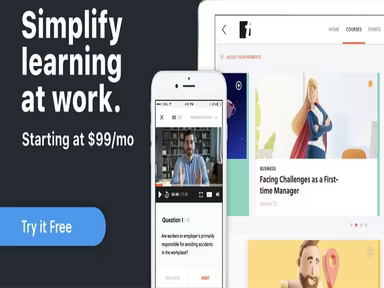
Team - $99/month (for 10 users) — $9.99 per active user
Pro – Custom pricing available
Enterprise – Custom pricing available
A 7-day free trial is also offered, allowing ample time to explore the platform. You can request a personalized quote for Travitor based on your organization's specific size and requirements.
Please note that pricing may change.
Travitor Integrations
This software is compatible with various third-party applications, including:
ADP
Okta
Slack
Adobe
Lectora
Stripe
Namely
BambooHR
How Does Travitor Work?
To get started with the software, follow these steps:
Log in to Travitor using your credentials.
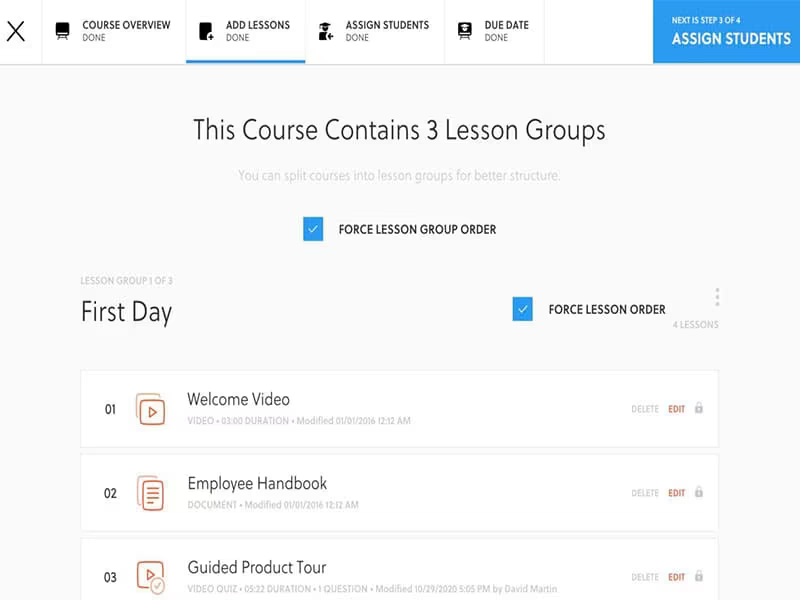
Create custom courses using the built-in authoring tool with videos, slides, documents, quizzes, and assignments.
Assign training sessions to individuals or groups and establish deadlines for completion.
Track the progress of each individual or group through the dashboard.
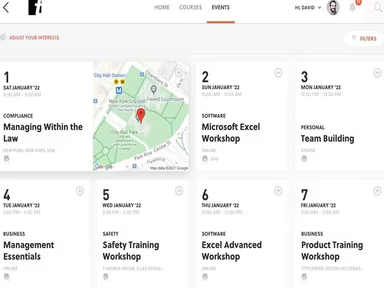
Schedule live training events and meetings directly within the platform.
Create learning plans to support teams in reaching their objectives.
Offer new hires an overview of the company along with product training.
Utilize the reporting feature to assess performance and pinpoint areas needing enhancement.
You can also watch a free demo of Travitor to discover its features and functionalities.
Who Is Travitor For?
The Travitor software caters to businesses across various sizes. The following sectors utilize it:
Healthcare
Manufacturing
Finance
Is Travitor Right For You?
If you're in search of an intuitive learning management solution that can be tailored to fit your specific training requirements, then Travitor might just be what you need. It employs robust security measures to safeguard your data while scaling easily to support your business's growth.
If you still have questions about whether Travitor is suitable for you, reach out to our customer support team at info@softwareseekers.com for assistance in making an informed choice.