

Bill4Time
Simplify client management and time tracking with Bill4Time. Focus on your core activities and boost efficiency with our agile platform.
Managing client relationships while keeping track of time can often prove to be a difficult task, which may result in lost revenue and increased frustration. The powerful and flexible platform provided by Bill4Time presents an effective solution, enhancing workflows for a more seamless experience. This enables professionals to concentrate on their primary tasks with assurance. Discover the features of Bill4Time to optimize your business processes.
What Is Bill4Time?
Overview
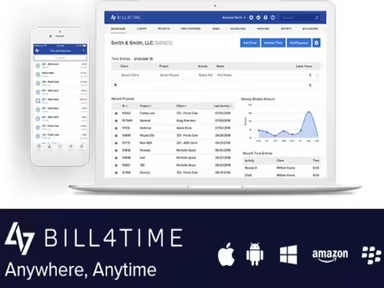
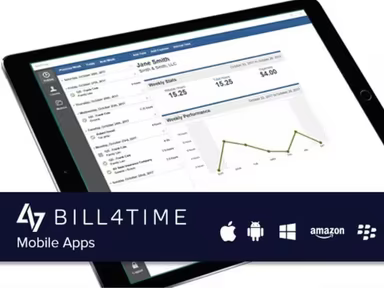
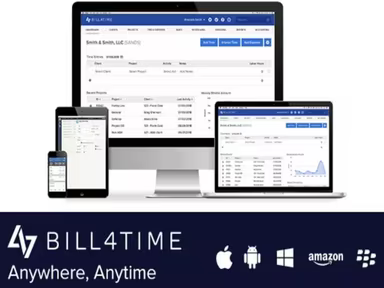
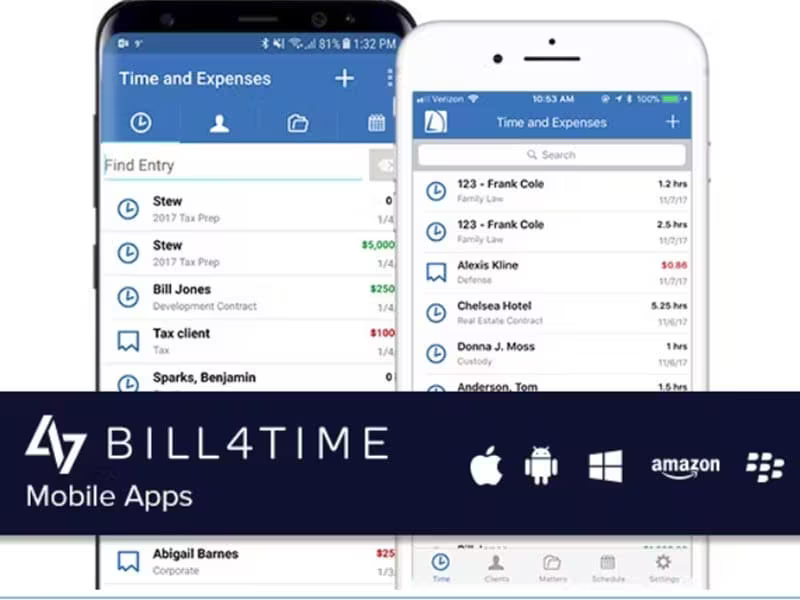
Bill4Time is a cloud-based platform tailored for a variety of professionals. This software provides an extensive suite of tools, including time and expense tracking, project management, client management, invoicing, online payment processing, and comprehensive reporting. With such a broad range of functionalities, Bill4Time empowers users to streamline their operations and concentrate on their core business activities.
What Is Bill4Time Best For?
This software has carved out a unique niche in the marketplace, largely due to its outstanding customer support. Bill4Time understands the importance of timely and effective assistance and has made it a priority to deliver exceptional customer service. Whether you're facing technical issues or need help understanding a particular feature, the dedicated support team at Bill4Time is always ready to assist.
Bill4Time Pricing
The vendor provides the following three pricing tiers:
Time & Billing – $29/user/month
Time & Billing Enterprise – $69/user/month
Legal Pro – $49/user/month
Legal Enterprise – $89/user/month
You can receive a customized Bill4Time price that suits your organization’s needs and scalability.
Note: The pricing is subject to change.
Bill4Time Integrations
Bill4Time seamlessly integrates with various third-party applications, including:
Microsoft Outlook
QuickBooks
Box
NetDocuments
How Does Bill4Time Work?
Here’s a step-by-step guide on how to navigate the dashboard and utilize the features:
Log in to your Bill4Time account with your credentials.
Once logged in, you will see a summary of key tasks, recent activities, and financial information.
Begin tracking billable hours with just one click from the dashboard.
Easily input and manage client details, including contacts and billing information.
Create invoices, establish billing rates, and send them directly to clients.
Record and categorize expenses while attaching receipts for precise billing.
Generate in-depth reports on time spent, expenses incurred, and overall financial performance.
Sync your calendar to efficiently manage appointments and deadlines.
Access support resources and documentation for any assistance you may need.
If you're interested in learning more about the software, consider scheduling a free demo of Bill4Time.
Who Is Bill4Time For?
The Bill4Time software is particularly beneficial for small law firms. It is also utilized by trainers, coaches, and contractors. Additionally, professionals from the following industries find value in this platform:
Architecture
Accounting
Consultation
Freelance
Healthcare
Is Bill4Time Right For You?
If you need an all-inclusive solution that tracks time while managing projects, clients, and invoices, then Bill4Time could be an ideal choice for you. The platform ensures your data remains secure with 256-bit encryption and local data backups. It operates within a state-of-the-art secure data center featuring full N+1 redundancies. Furthermore, it provides scalability to meet your business's evolving requirements.
If you still have questions after reading this review of Bill4Time, feel free to reach out to our customer support team at info@softwareseekers.com. They will gladly assist you with any inquiries regarding the software to help determine if it's worth your investment.