

Clockwise Software
Optimize your workforce with Clockwise software. Save time and enhance productivity by automating time clock management and reducing hassle.
The Clockwise software streamlines the management of time clocks, enabling you to enhance your workforce efficiency. By automating monotonous tasks, it allows you to dedicate more time to important strategic choices. Discover how Clockwise software can assist you in conserving time, reducing costs, and minimizing stress while boosting productivity, increasing precision, and creating a more effective workplace.
What Is TeamKeeper?
Overview
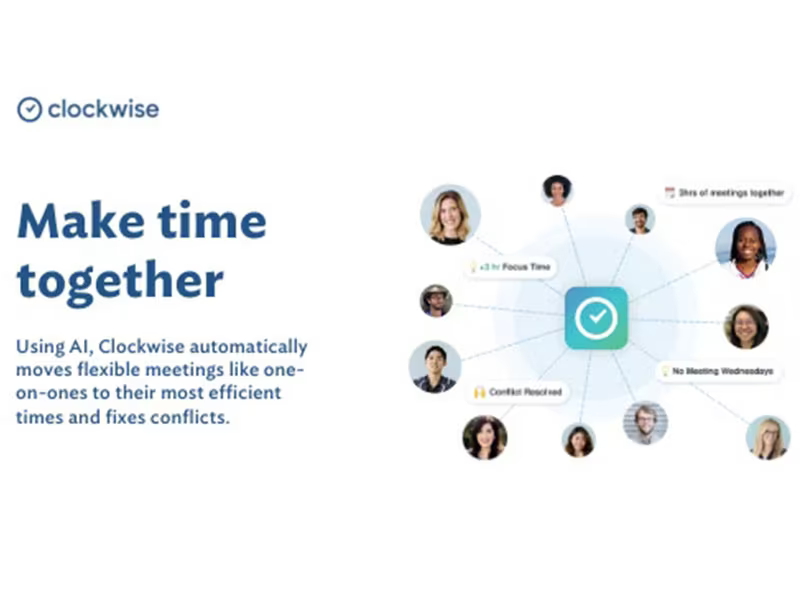
TeamKeeper, formerly known as Clockwise, is a cloud-driven calendar solution designed for effective time management. This AI-enhanced platform assists teams in optimizing their schedules to use their time more effectively. In addition to calendar management, it offers tailored web and mobile application development services, particularly emphasizing JavaScript.
The software empowers businesses to transform their concepts into operational products or enhance existing ones. TeamKeeper provides dependable consulting, implementation, and support services concentrated on application development and quality assurance.
What Is TeamKeeper Best For?
The project management capabilities of TeamKeeper are celebrated for their user-friendly design and intuitive interface. As a result, even individuals with minimal technical expertise can manage their projects with ease. The software is also recognized for its effective attendance tracking and leave management features.
TeamKeeper Pricing
The pricing plans available are as follows:
Standard - $5/user/month
Premium - $7/user/month
TeamKeeper offers various pricing options that cater to diverse organizations and their changing requirements. You can request a customized quote for TeamKeeper.
Please note that prices may vary.
TeamKeeper Integrations
The software seamlessly integrates with several third-party applications, including:
QuickBooks
GMS
ADP
Deltek
FMS
Insperity
Microsoft Dynamics
Sage
How Does TeamKeeper Work?
To get started with TeamKeeper project management software, follow these steps:
Log in using your credentials to access the dashboard.
Create your account and tailor your settings according to your needs.
Import existing tasks and projects into TeamKeeper or initiate new ones within the platform.
Organize your tasks and events using the AI-enhanced time management calendar.
Utilize the software’s automation features and intelligent suggestions to optimize your time allocation.
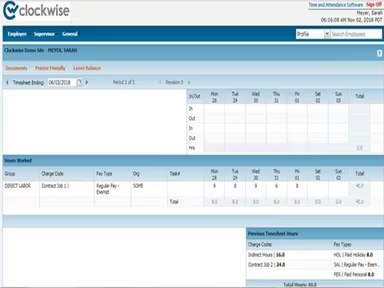
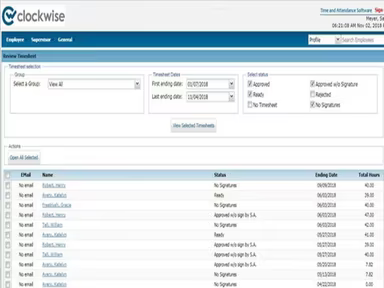
Refer to the review timesheet for updates on employee absences, approvals, and total hours worked.
Collaborate with team members by assigning tasks, setting deadlines, and monitoring progress.
Regularly assess and modify your calendar to adapt to changes and shifting priorities.
You can also watch a free demo of TeamKeeper to explore its features further.
Who Is TeamKeeper For?
This software provides time and attendance solutions suitable for organizations of all sizes across various industries, including:
IT
Healthcare
Engineering
Operations
Accounting and finance
News editing and reporting
Administration
Is TeamKeeper Right For You?
The suitability of TeamKeeper for your organization depends on its specific needs. This software enables teams to enhance their calendars, facilitating smoother workflows. It is highly adaptable and can accommodate companies of any size or complexity.
The application employs industry-standard encryption methods and holds SOC 2 Type II certification. It adheres to the highest standards of data security and privacy, ensuring that your information remains protected.
If you're still uncertain about whether to invest in this software based on the TeamKeeper review, reach out to our customer service team at info@softwareseekers.com to see if it meets your needs.