

MindManager
Unlock your potential with MindManager—transform complex ideas into actionable tasks and boost collaboration for enhanced productivity.
Unlock the potential of visual thinking through MindManager. Convert intricate concepts into practical tasks, enhance teamwork, and boost efficiency. Offering adaptable solutions and robust data security, MindManager stands as your ally in strategic planning and executing projects. Propel your business forward today.
What Is MindManager?
Overview
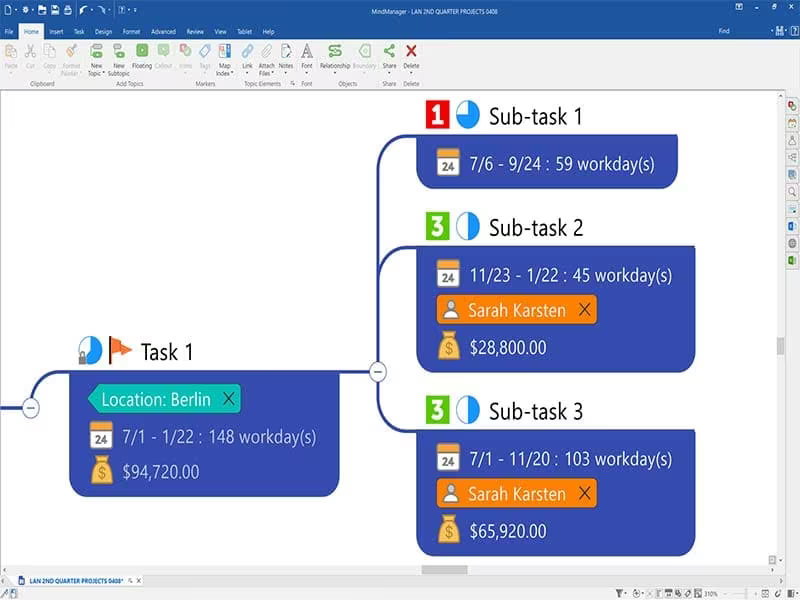
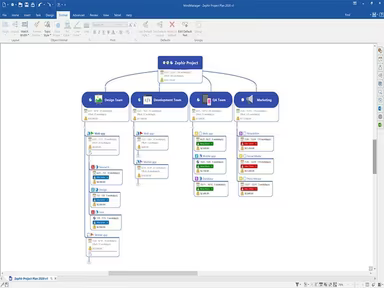
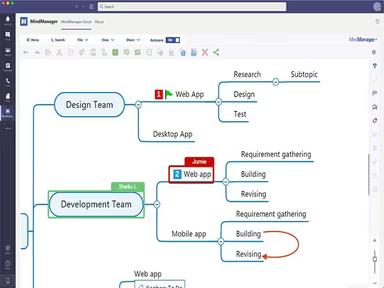
MindManager is an innovative mind-mapping application that allows users to visualize their ideas through mind maps. It supports the creation of flowcharts and timelines, facilitating the organization of thoughts, projects, or business strategies. Users can capture images, links, and text notes across various platforms including desktop, Chrome browser, and mobile devices.
What Is MindManager Best For?
One of the standout features of MindManager is its capability to help users uncover unexpected solutions. This stems from the software's strength in visually representing intricate concepts. By doing so, it enables users to recognize connections and discover creative relationships that may easily be missed. The visualization of information in a mind map format helps identify patterns that are not readily visible in traditional text-based formats.
MindManager Pricing
The software presents four pricing options, allowing users to select the plan that best fits their needs. The available pricing tiers for MindManager are:
Essentials - $99.00/year
Professional - $179.00/year
One-Time Purchase - $369.00
Enterprise - Custom
Please reach out for a tailored quote on MindManager costs.
Note: Pricing is subject to modification.
MindManager Integrations
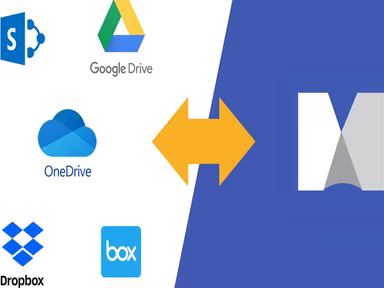
This software seamlessly integrates with various Microsoft products such as Teams, SharePoint, Outlook, PowerPoint, OneDrive, and Excel. Additionally, MindManager's project management capabilities work with several third-party storage solutions including:
iCloud
Box
Google Drive
Jira
Zapier
Octa
How Does MindManager Work?
To begin using MindManager, follow these straightforward steps:
Log into the dashboard using your MindManager credentials.
Select 'File' from the top menu and then choose 'New' to pick from a variety of map templates or opt for a blank map.
Add topics by clicking on the central topic and renaming it as needed.
Select the 'Insert' tab and click on 'New Topic' to introduce a new branch to your map.
Customize your map by selecting colors and shapes for your topics, adding notes or links, and attaching files if desired.
Navigating to 'File' > 'Save As', choose a location and name for your map.
Share your map by exporting it as a PDF or image or by inviting others to view or edit it online.
For a comprehensive understanding of how the software operates, consider attending a live MindManager demo.
Who Is MindManager For?
MindManager is especially favored by business professionals, project managers, and software development teams. The following sectors utilize this tool:
Marketing
Education
Technology
Business
The Arts
Is MindManager Right For You?
A variety of industry-leading companies such as Dow, P&G, and EDC rely on MindManager. Its combination of integrated mind mapping and real-time communication tools aids in formulating effective project plans. Furthermore, the software prioritizes data security by adhering to industry-standard protocols to keep your information protected.
The scalability of this software makes it suitable for individuals as well as teams of all sizes. Whether you are an independent entrepreneur or part of a large organization managing intricate projects, it adapts to meet your requirements.
If you want to explore whether MindManager aligns with your needs, please contact us at info@softwareseekers.com for assistance from our live representative.