

Planview Clarizen
Achieve real-time visibility and optimize resource allocation with Planview Clarizen, your solution for streamlined project portfolio management.
Planview Clarizen makes managing project portfolios straightforward, providing you with immediate insights and enhancing the efficiency of resource distribution. With its user-friendly design and powerful functionalities, it can enhance workflows and facilitate the successful delivery of projects.
What Is Planview Clarizen?
Planview Clarizen, now rebranded as Planview AdaptiveWork, is a sophisticated project portfolio management tool designed to offer organizations real-time insights across their projects. This functionality aids in the proactive identification of risks and enhances overall business results.
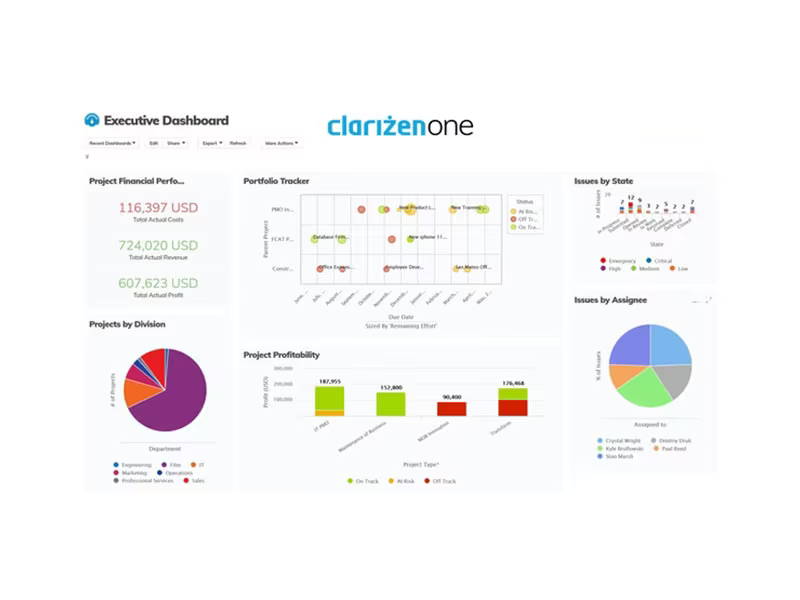
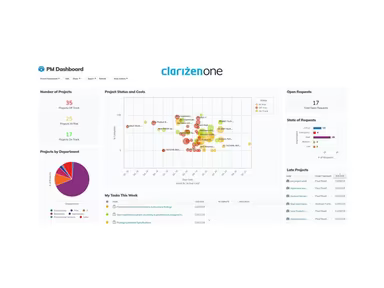
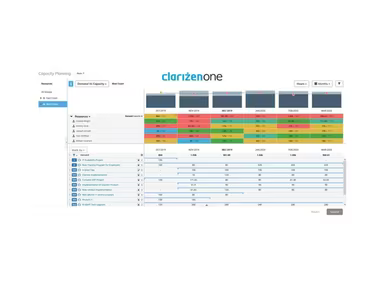
With Planview AdaptiveWork, project management offices and professional services teams can achieve a unified view of all tasks. The software streamlines workflows, monitors resources and capacity planning, manages financial aspects, and fosters collaboration. Key features include hybrid work management, agile task management, comprehensive reporting and dashboards, along with various third-party integrations.
What Is Planview Clarizen Best For?
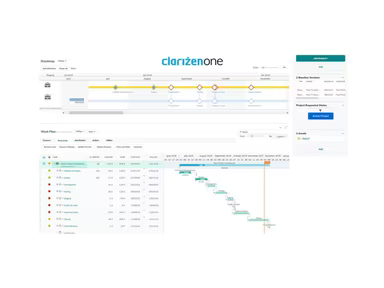
A standout feature of Planview AdaptiveWork is its capacity to facilitate productive operations. This software supports both traditional waterfall and scrum/agile methodologies through its hybrid work management capabilities. It provides Kanban-style workspaces for effective backlog prioritization and sprint planning, empowering agile teams to work efficiently. Additionally, Gantt charts and work breakdown structures are available for meticulous project planning. This hybrid approach ensures that the diverse needs of various teams are met.
Planview Clarizen Pricing
The pricing structure may vary depending on the number of users required. Additional features and solutions included in the contract can also influence costs. For instance, integrating with external systems via APIs or opting for different modules like professional services automation could lead to increased expenses.
Click Get Pricing for further details on the costs associated with Planview Clarizen.
Planview Clarizen Integrations
This project and portfolio management platform can interface with numerous third-party applications. Some notable integrations include:
Slack
Jira
Box
Salesforce
G Suite
SAP
McAfee
SharePoint
Microsoft Teams
NetSuite
How Does Planview Clarizen Work?
To start utilizing the Planview project management software, follow these straightforward steps:
Log in with your username and password.
Familiarize yourself with the user interface and key areas such as the dashboard, projects, calendar, tasks, and reports.
Create or join relevant workspaces for your team or departmental projects.
Add existing project details, tasks, and milestones.
Configure personal preferences and notification settings for tasks, comments, updates, etc., to stay informed about ongoing work.
Utilize the system for daily task management: updating statuses, adding comments or files, communicating with team members, and tracking time.
Generate or access automatic or on-demand project reports to assess status and highlight any issues that need management attention.
Provide feedback to administrators regarding necessary customizations or training for seamless integration of the new system.
You can watch a Planview Clarizen demo to explore the software's project management tools in action.
Who Is Planview Clarizen For?
Planview AdaptiveWork proves to be especially advantageous for small to medium-sized businesses with fewer than 500 employees. Nevertheless, large enterprises with thousands of employees across various industries also leverage Clarizen to manage their project portfolios effectively. Key sectors utilizing this tool include:
Technology
Consulting
Engineering
Healthcare
Government contracting
Additionally, Clarizen is widely adopted in fields such as software development, telecommunications, manufacturing, media and entertainment, energy, financial services, and professional services firms.
Is Planview Clarizen Right For You?
This cloud-based project portfolio management software enables organizations to oversee their projects, programs, and resources efficiently from a single platform. It is particularly suitable for companies managing multiple projects concurrently that require enhanced visibility over workflows, resources, budgets, and timelines.
The scalable software offers robust reporting and analytics capabilities for a thorough overview of project performance and resource allocation. With role-based security access features, users can maintain control over sensitive project information based on specific permissions. Furthermore, Clarizen adheres to stringent security standards including bank-level TLS encryption for data in transit, SOC 2 Certification, and ISO 27001 certification to meet compliance requirements in regulated industries.
We suggest checking out reviews on Planview Clarizen to hear from current users about their experiences with the software.
If you have further questions or need additional information, please reach out to us at info@softwareseekers.com.