

Planyway
Boost project visibility and collaboration with Planyway, the ultimate team planner for Trello and Jira. Optimize workflows and track time efficiently!
Are you struggling with visibility in your projects? Planyway, a collaborative planning tool that works seamlessly with Trello and Jira, provides an effective answer. It enables teamwork and time management, allowing users to see tasks clearly, create recurring events, and streamline workflows. This enhances project productivity and offers essential insights through a Gantt chart. Dive into its features for further details!
What Is Planyway?
Overview
Planyway serves as a project portfolio management solution designed to enhance team workflows and project visualization. Acting as a collaborative planner for both Trello and Jira, it allows teams to harness its capabilities by integrating the Planyway power-up into their Trello boards or Jira accounts, thus facilitating improved collaboration and planning.
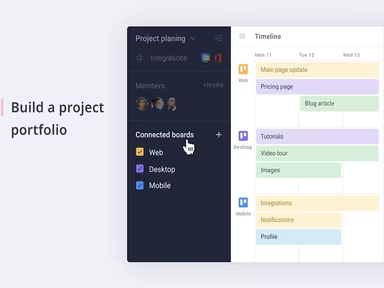
This tool enables users to consolidate multiple boards for a comprehensive overview, establish recurring tasks using repeated Trello cards, visualize subtasks, link related tasks, and synchronize with outside calendars.
What Is Planyway Best For?
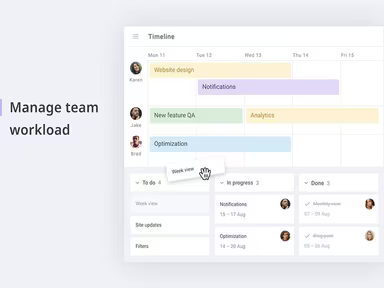
The time tracking and reporting features are particularly beneficial for users of Planyway. Teams can monitor the time allocated to various tasks or projects collectively. Additionally, they can represent this data visually through reports and charts, which provides insights into how time is distributed across different project components. This visibility into time management helps teams refine ongoing project schedules, balance workloads effectively, and enhance future project estimations.
Planyway Pricing
The vendor presents three distinct pricing options for Planyway:
Free – $0.00/user/month
Business – $6.00/user/month
Enterprise – Custom pricing available
You can obtain a personalized Planyway cost tailored to meet the specific needs and scale of your business.
Note: Pricing may vary over time.
Planyway Integrations
Users have the option to connect various third-party applications with Planyway software, including:
Google Calendar
Microsoft Outlook
iCal
Microsoft Teams
How Does Planyway Work?
Follow these steps to navigate the dashboard and utilize the software's features:
Log in with your organization's credentials to access the software dashboard.
Connect Planyway with your Trello or Jira account to retrieve data from those platforms.
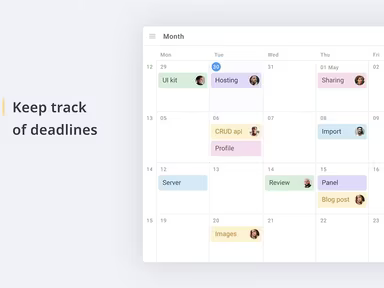
Select the 'Calendar' tab for an overview of cards or tickets on the board or to visualize projects on a calendar.
Create new tasks and configure recurring ones by clicking on the card and selecting 'Set Recurring.'
Break down complex tasks into smaller subtasks.
Link cards to illustrate dependencies by choosing two cards and clicking 'Dependencies' to establish a visual connection.
Monitor how much time your team dedicates to various tasks.
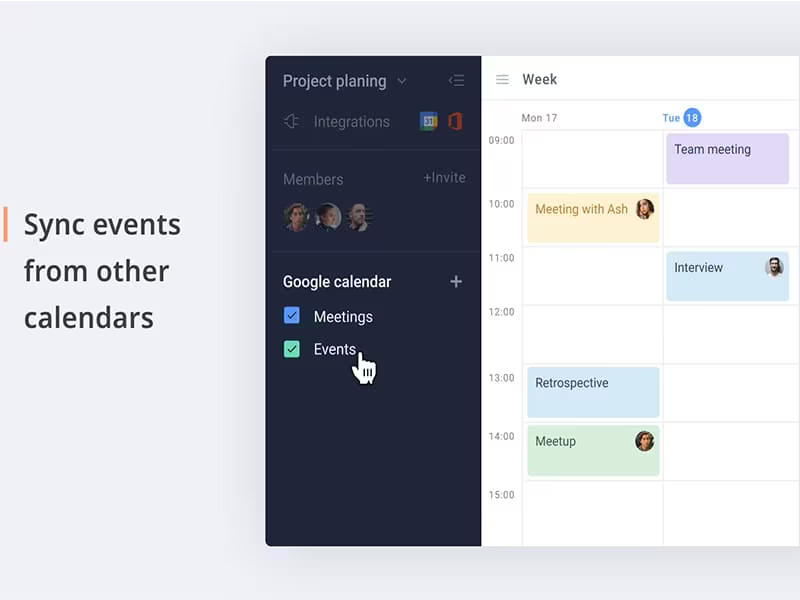
View your Planyway calendar alongside external calendars like Google Calendar to see your complete schedule.
Utilize the Planyway mobile applications to plan and manage work while on the move using iOS or Android devices.
You can also arrange a complimentary Planyway demo to explore its functionalities further.
Who Is Planyway For?
This platform caters to businesses across all sizes—from small startups to large enterprises—looking to track time and handle multiple tasks efficiently. The following industries benefit from using the Planyway project management platform:
Marketing
Sales
Finance
Recruitment
Education
Is Planyway Right For You?
If you're in search of a project management tool that enhances your business workflow and planning processes, Planyway could be an excellent choice. It offers diverse functionalities, such as team planning and calendar integration, and is trusted by prominent clients like Netflix, Adobe, and Amazon.
Your security is a priority with features such as end-to-end encryption and compliance with industry-standard security measures. Its scalability ensures it is suitable for businesses ranging from startups to large corporations.
If you remain uncertain about investing in Planyway, feel free to reach out to our customer support team at info@softwareseekers.com; they are ready to assist you in making an informed decision.