logo

ProjectLibre

Streamline your project management process with ProjectLibre. This budget-friendly tool caters to businesses of any scale. While it may take a bit longer to mas...

0.00 | 0 Reviews

Streamline your project management process with ProjectLibre. This budget-friendly tool caters to businesses of any scale. While it may take a bit longer to mas...

Product Overview

Streamline your project management process with ProjectLibre. This budget-friendly tool caters to businesses of any scale. While it may take a bit longer to master than certain paid project management solutions, ProjectLibre provides exceptional adaptability and customization features. In summary, it stands out as a reliable choice for effectively overseeing your projects.
Product Snapshot

Product Details

What Is ProjectLibre?

Overview

ProjectLibre is a free project management tool that serves as a viable alternative to Microsoft Project. It features both a cloud-based version known as ProjectLibre Cloud and a desktop variant called ProjectLibre open source. This software aims to streamline project management by offering a user-friendly interface that simplifies the complexity often associated with Microsoft Project. Notable features include cloud project management, role-based access for team members, and capabilities for multi-user collaboration.

What Is ProjectLibre Best For?

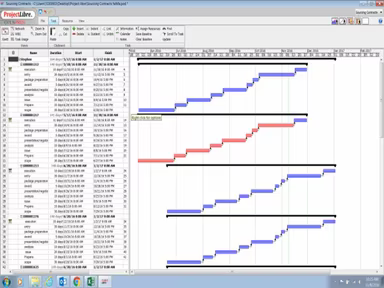
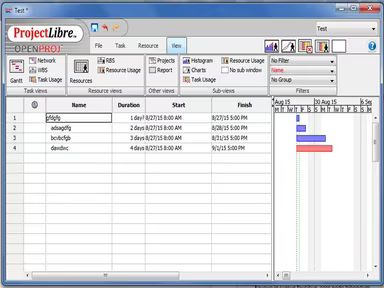
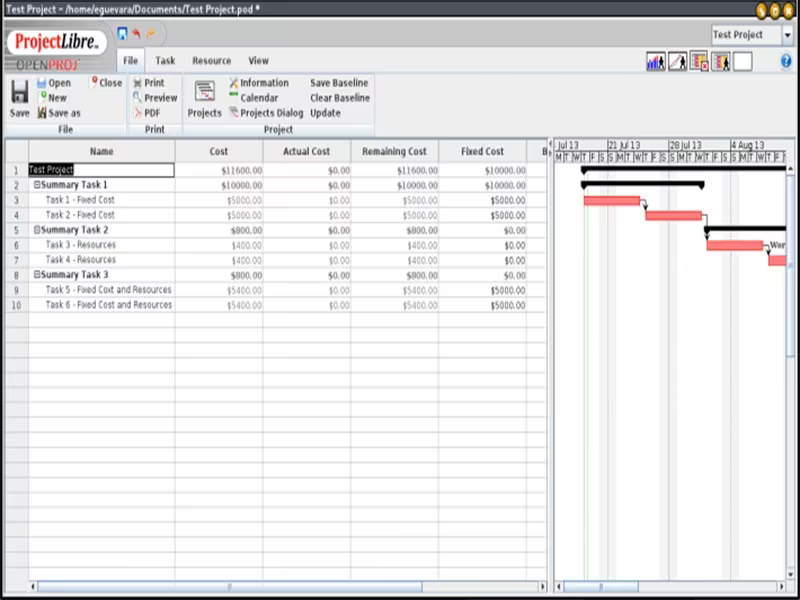
The primary advantage of using ProjectLibre is that it offers comprehensive project management tools at no cost. Users can easily create and oversee project timelines, monitor tasks, allocate resources, and track progress. Additionally, it boasts Gantt charts, network diagrams, and various visual aids that facilitate effective analysis and communication of project details.

ProjectLibre Pricing

ProjectLibre is completely free as an open-source application. The cloud version, ProjectLibre Cloud, is currently in beta testing and will soon be available through a subscription model. For information on the pricing of ProjectLibre software, simply click on Get Pricing.

ProjectLibre Integrations

The vendor has yet to provide details regarding any integrations of ProjectLibre with external applications.

How Does ProjectLibre Work?

To get started with ProjectLibre project management software, follow these steps:

  1. Log into your account or launch the application based on whether you are using ProjectLibre Cloud or ProjectLibre open source.

  2. Create a new project by selecting "New Project" or "Create Project," depending on your version.

  3. Input the project information such as name, start and end dates, along with any other pertinent details.

  4. Add tasks by clicking "New Task" or "Create Task" and filling in the specifics such as name, duration, and dependencies.

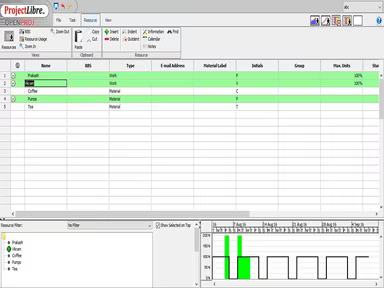
  5. Assign resources to tasks by selecting "Resource" and picking the relevant resource from the list provided.

  6. Establish the project timeline by clicking on "Gantt Chart" and modifying task start and end dates as necessary.

  7. Keep track of your project's progress by monitoring task completions and adjusting the schedule when needed.

  8. Generate reports by clicking "Reports" and choosing the desired report type.

  9. Save and share your project by clicking "Save" or "Export" and selecting the suitable file format.

For a deeper understanding of its features, watch a ProjectLibre Demo.

Who Is ProjectLibre For?

The ProjectLibre software is suitable for organizations of all sizes. It can be particularly beneficial for small businesses, startups, and large enterprises alike as an alternative to Microsoft Project. Its capabilities allow it to manage intricate schedules while providing visibility and control for numerous stakeholders.

This software is applicable across various sectors including:

  • Information Technology (IT)

  • Consulting

  • Marketing

  • Engineering

  • Construction

  • Manufacturing

Is ProjectLibre Right For You?

If you are in search of an economical solution that encompasses a broad spectrum of project management functions akin to those found in Microsoft Project, then consider using ProjectLibre. The open-source edition is available for free download and operates on multiple platforms including Windows, Mac OS, and Linux.

A significant advantage of ProjectLibre is its robust security measures. The software employs data encryption, password protection, and user permission settings to ensure high security for its users. Moreover, it adheres to industry standards such as GDPR, HIPAA, and SOC 2 regulations.

We encourage you to check out reviews of ProjectLibre to gather insights from current users regarding their experiences with the software. For further inquiries, feel free to reach out to us at info@softwareseekers.com.

Project Management Software Features

dashboard
free plan
reporting
scheduler
dashboards
free trial
mobile app
purchasing
ai features
file sharing
integrations
telemedicine
collaboration
mobile access
time tracking
bid management
patient portal
budgeting tools
e prescriptions
email marketing
lead generation
marketing tools
quality control
rent collection
task management
asset management
automation tools
custom workflows
document sharing
easy integration
expense tracking
lab integrations
lease management
maintenance logs
project tracking
shared calenders
budget management
claims management
data importexport
project templates
safety management
tenant management
time zone support
content management
customizable forms
data visualization
equipment tracking
project management
project scheduling
shop floor control
team communication
alertsnotifications
campaign management
communication tools
contract management
document management
employee engagement
employee management
employee onboarding
facility management
incident management
production planning
property accounting
reporting analytics
resource allocation
workforce analytics
financial management
inventory management
maintenance requests
patient demographics
portfolio and assets
real time monitoring
bill of materials bom
billing and invoicing
business intelligence
customer segmentation
equipment maintenance
inspection management
partner data exchange
product health scores
scalable architecture
work order management
attendee communication
customizable workflows
facilities maintenance
performance management
benefits administration
change order management
compensation management
registration management
reporting and analytics
social media management
supply chain management
workflows and approvals
business intelligence bi
communication and access
documents and compliance
manufacturing management
subcontractor management
training and development
integrated team calendars
stakeholder collaboration
access controlspermissions
human resources management
maintenance and operations
attendance and time tracking
employee self service portal
integration with erp systems
product lifecycle management
centralised product portfolio
venue and resource management
agenda and schedule management
compliance and risk management
human resources management hrm
sales and marketing automation
speaker and content management
audience interaction technology
data driven product performance
employee information management
on site and virtual event tools
project planning and scheduling
tenant and lease administration
appointment managementscheduling
product lifecycle management plm
integration with financial systems
production planning and scheduling
recruitment and applicant tracking
financial management and accounting
customer relationship management crm

Pros

  • User-friendly interface simplifies project tracking and organization
  • Multi-platform support for both Windows and Linux users
  • Open-source desktop solution with extensive customization options
  • Offers robust Gantt chart functionalities for project scheduling
  • Free version available with all essential project management features

Cons

  • Some users experienced limited customer support for immediate assistance
  • Integration challenges with some other applications
  • The user interface can be difficult to navigate for large projects, according to a few software users

Price

Professional

Custom

Get Free Guidance from Our Solution Experts.

Ratings

0.00 | 0 reviews

Ratings Distribution

Positive

0%

Neutral

0%

Negative

0%

User Reviews

No reviews yet

Be the first to share your experience with ProjectLibre.

Frequently Asked Questions

Find answers to the most common queries about our software recommendation service.

Yes, ProjectLibre offers an API.

ProjectLibre supports 31 different languages, including English, Greek, Arabic, Urdu, Korean, Hindi, French, and German.

The official website has not disclosed any information regarding its integration.

ProjectLibre is a free, open-source solution. However, ProjectLibre Cloud is available with introductory pricing at just $9.99 per user per month.

ProjectLibre is used by a range of organizations across various industries, including aerospace, healthcare, technology, manufacturing, and energy.

ProjectLibre offers customer support through community-driven resources such as forums, user groups, and online documentation. However, direct customer support is not offered unless you're using the paid cloud version.