

qTest
Boost your agile workflows with qTest by Tricentis, the test management platform that enhances collaboration and streamlines your testing strategy.
qTest from Tricentis serves as a comprehensive test management solution that effortlessly connects with your preferred development tools. This integration boosts teamwork and speeds up your agile processes. Offering a free trial and boasting a 4-star rating on Software Finder, it stands out as an excellent choice for those aiming to execute various strategy tests within their projects.
What Is qTest by Tricentis?
qTest is an integrated test management solution developed by Tricentis, aimed at delivering scalable management, operations, and analytics to streamline the testing process. This tool focuses on the complete test case development lifecycle, featuring capabilities designed to minimize risk, speed up testing, and provide extensive visibility.
The qTest software enables organizations to transition their test cases from spreadsheets and outdated management systems. It accommodates both agile and waterfall methodologies with centralized management, enhances automated testing compatibility with any tool, and produces robust, customizable reports and dashboards that facilitate insights for informed decision-making.
The following review outlines the pricing and features of qTest.
How Much Does qTest Tool Cost?
The cost of qTest is approximately $1000 per user on an annual subscription basis. This pricing is tailored based on the user and their specific services.
Click "Get Pricing" to obtain personalized cost information for qTest software from our specialists.
qTest Integrations
Tricentis qTest enhances your testing experience through its effortless integration with numerous agile and DevOps tools. It seamlessly connects with popular applications for agile planning, project management, open-source frameworks, continuous integration, and defect tracking, allowing teams to optimize their testing workflows and boost productivity.
Jenkins
Cucumber
Selenium
Tricentis Vera
Jira
VersionOne
CA Agile Central Rally
How Does qTest Work?
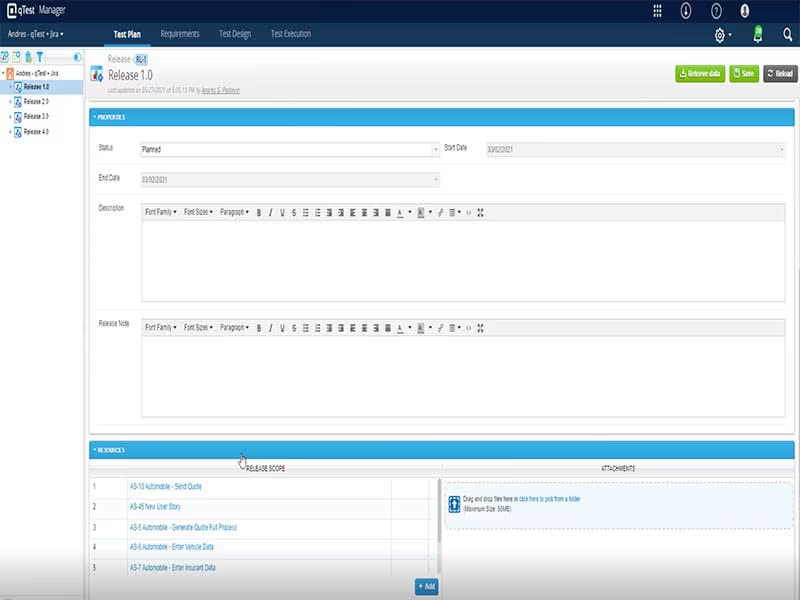
To start using the qTest project management tool and navigate the dashboard, follow these steps:
Log in using your credentials to access the qTest dashboard.
Create a new project by selecting "New Project" on the dashboard. Enter a name and description for your project, then choose the project type (Agile, Waterfall, or Hybrid). Click "Create" to finalize the project setup.
Navigate to "Project Settings" and choose "User Management" to add users. Click "Add User" and input the user's email address along with their role in the project (such as Administrator, Tester, or Developer).
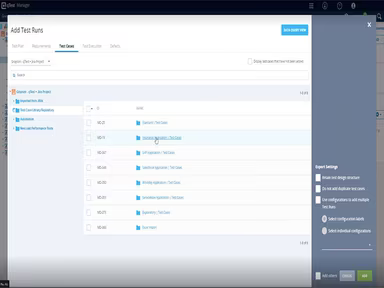
Access the "Test Design" tab to formulate test cases for your project. Select "New Test Case" to provide a name and description.
Utilize the "Test Execution" tab to carry out test cases. Choose a test case and click "Execute." Indicate the status of the test case (Pass, Fail, or Blocked) and include comments if needed. Click "Save" to document the execution process.
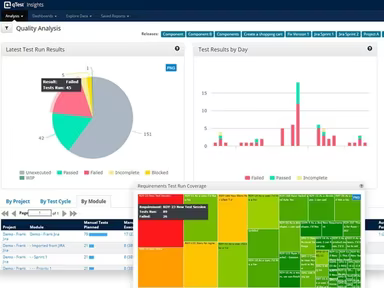
Create reports by clicking on the "Reports" tab. Choose the report type (e.g., Test Execution or Test Design) and supply necessary parameters (like date range or specific test case). Click "Generate" to produce the report.
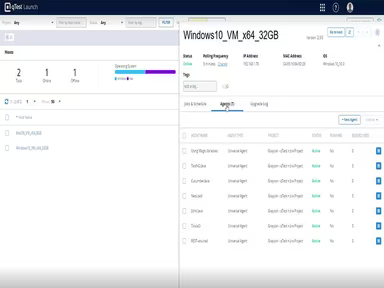
To connect with other tools, select the "Integrations" tab and pick your desired tool.
Watch a qTest demo to explore more about its various features.
Who Is qTest For?
The qTest platform is adaptable for companies of all sizes across multiple sectors. Industries that can gain from using qTest include:
Technology
Finance
Healthcare
Retail
Education
Gaming
This software serves small, medium, and large enterprises seeking a thorough testing solution to guarantee their software's quality.
Is qTest Right For You?
If you're looking to enhance your test cycle management process, then qTest is an excellent choice for your organization. This software provides a consolidated platform for overseeing testing tasks, requirements, and defects, promoting enhanced collaboration among teams.
Moreover, qTest incorporates security measures and compliance protocols that align with industry standards such as GDPR, HIPAA, and SOC 2. These measures include access controls, data encryption, and audit logs that help businesses safeguard their information while fulfilling regulatory obligations.