logo

SmartDraw

SmartDraw is a cutting-edge diagramming tool designed to make the process of creating floor plans, flowcharts, and various other diagrams effortless. Thanks to...

0.00 | 0 Reviews

SmartDraw is a cutting-edge diagramming tool designed to make the process of creating floor plans, flowcharts, and various other diagrams effortless. Thanks to...

Product Overview

SmartDraw is a cutting-edge diagramming tool designed to make the process of creating floor plans, flowcharts, and various other diagrams effortless. Thanks to its user-friendly interface and powerful functionalities, this software allows users to produce high-quality diagrams in no time. Discover the features of SmartDraw to enhance your diagramming experience.
Product Snapshot

Product Details

What Is SmartDraw?

Overview

SmartDraw is a versatile software tool designed for diagramming and collaboration, making it easy for anyone to create professional-quality drawings. Whether you’re a novice or a seasoned expert, you can quickly design floor plans while ensuring that professionals have access to the precision and scale they require. With its sophisticated floor-planning capabilities, data integration options, and user-friendly interface for traditional diagramming, SmartDraw offers enterprise-level features without unnecessary complexity.

What Is SmartDraw Best For?

This software excels thanks to its smart formatting engine, which automatically formats and organizes diagrams as they are being created. Shapes can easily align, resize, and connect without manual intervention. Whenever you add, move, or delete elements, the layout adjusts itself to keep everything looking neat. SmartDraw also facilitates the creation of various business diagrams such as flowcharts, organizational charts, project charts, and network diagrams. You can utilize AI text prompts or import data to automatically generate certain diagrams.

SmartDraw Pricing

SmartDraw offers three pricing plans:

  • Individual - $7.95/month*, billed annually

  • Team - $6.95/user/month*, with a minimum of 3 users, billed annually

  • Enterprise - Contact for pricing

* This is an introductory rate for new customers.

Please note that pricing may change.

SmartDraw Integrations

SmartDraw seamlessly integrates with the following third-party applications:

  • Confluence Software

  • Jira Software

  • Trello Software

  • Dropbox

  • Google Drive

  • Microsoft Azure

  • Box

  • Microsoft Teams Phone

How Does SmartDraw Work?

To begin using SmartDraw, log in with your credentials:

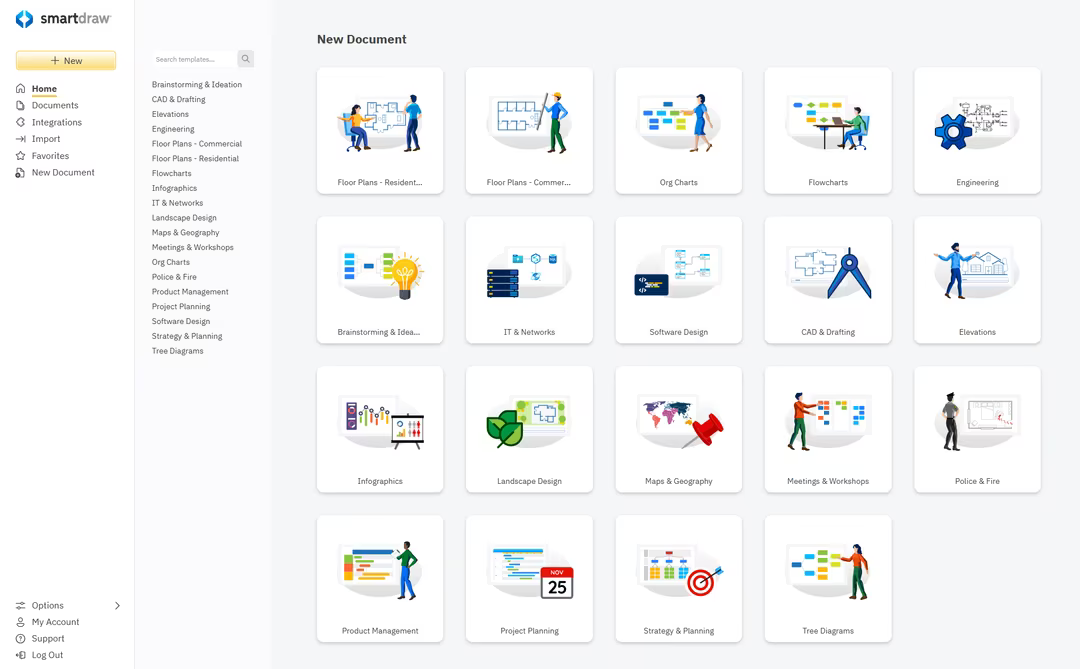
  1. Select a professionally designed template tailored for your diagram type, such as flowcharts, floor plans, landscape designs, organizational charts, mind maps, wiring diagrams, or network diagrams.

  2. Each template includes a library of relevant industry-standard symbols along with intuitive tools for creating your chosen drawing.

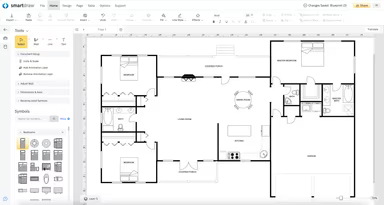
  3. If you're working on floor plans, you can import an existing PDF plan or satellite image, scale it accordingly, and overlay your own designs or information.

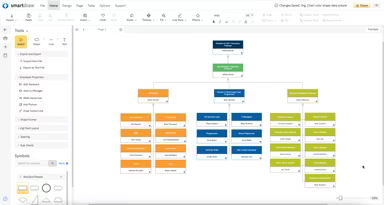
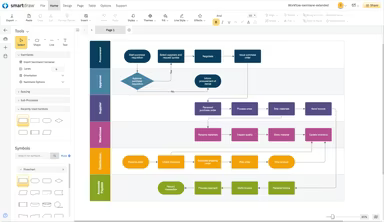
  4. For flowcharts, org charts, mind maps, and technical diagrams, utilize built-in action buttons to automatically generate diagrams. Adjustments such as rearranging or connecting shapes can be done effortlessly.

  5. Create custom symbols by importing images and enhancing them with data.

  6. You can quickly generate diagrams from data—importing a spreadsheet can yield an org chart automatically; utilize Azure or AWS libraries for Cloud architecture diagrams; or create PI Boards from your Jira issues.

  7. The software also features AI integration that allows you to use natural language text prompts to generate editable diagrams within SmartDraw.

  8. Collaborate in real-time by inviting team members to participate in your project.

  9. Finally, export your completed diagram as a PDF or embed it within your documents.

You can schedule a SmartDraw demo to delve deeper into these functionalities.

Who Is SmartDraw For?

This software is tailored for teams and organizations across various industries and sectors including:

  • Construction

  • Education

  • Finance

  • Public safety / emergency services

  • Government

  • Healthcare

  • Management Consulting

  • Manufacturing

  • Retail

Is SmartDraw Right for You?

If you seek diagramming software that is user-friendly and integrates smoothly with your existing tools, then SmartDraw could be the ideal solution for you. It is secure and highly scalable—perfect for businesses of all sizes. Additionally, the platform comes equipped with numerous features such as single sign-on (SSO) and enterprise administration tools that streamline team management without added hassle.

If you still have questions regarding SmartDraw, please reach out to our customer support team at info@softwareseekers.com. They will help address any inquiries you may have about the software to assist you in making an informed decision.

Project Management Software Features

dashboard
free plan
reporting
scheduler
dashboards
free trial
mobile app
purchasing
ai features
file sharing
integrations
telemedicine
collaboration
mobile access
time tracking
bid management
patient portal
budgeting tools
e prescriptions
email marketing
lead generation
marketing tools
quality control
rent collection
task management
asset management
automation tools
custom workflows
document sharing
easy integration
expense tracking
lab integrations
lease management
maintenance logs
project tracking
shared calenders
budget management
claims management
data importexport
project templates
safety management
tenant management
time zone support
content management
customizable forms
data visualization
equipment tracking
project management
project scheduling
shop floor control
team communication
alertsnotifications
campaign management
communication tools
contract management
document management
employee engagement
employee management
employee onboarding
facility management
incident management
production planning
property accounting
reporting analytics
resource allocation
workforce analytics
financial management
inventory management
maintenance requests
patient demographics
portfolio and assets
real time monitoring
bill of materials bom
billing and invoicing
business intelligence
customer segmentation
equipment maintenance
inspection management
partner data exchange
product health scores
scalable architecture
work order management
attendee communication
customizable workflows
facilities maintenance
performance management
benefits administration
change order management
compensation management
registration management
reporting and analytics
social media management
supply chain management
workflows and approvals
business intelligence bi
communication and access
documents and compliance
manufacturing management
subcontractor management
training and development
integrated team calendars
stakeholder collaboration
access controlspermissions
human resources management
maintenance and operations
attendance and time tracking
employee self service portal
integration with erp systems
product lifecycle management
centralised product portfolio
venue and resource management
agenda and schedule management
compliance and risk management
human resources management hrm
sales and marketing automation
speaker and content management
audience interaction technology
data driven product performance
employee information management
on site and virtual event tools
project planning and scheduling
tenant and lease administration
appointment managementscheduling
product lifecycle management plm
integration with financial systems
production planning and scheduling
recruitment and applicant tracking
financial management and accounting
customer relationship management crm

Pros

  • Cloud-based accessibility
  • Creates professional-looking diagrams with ease
  • Robust features
  • User-friendly interface

Cons

  • The installation process might be time-consuming
  • Customer care can be improved, according to some reviews

Price

Professional

$6.95

Get Free Guidance from Our Solution Experts.

Ratings

0.00 | 0 reviews

Ratings Distribution

Positive

0%

Neutral

0%

Negative

0%

User Reviews

No reviews yet

Be the first to share your experience with SmartDraw.

Frequently Asked Questions

Find answers to the most common queries about our software recommendation service.

Yes, SmartDraw offers an API.

The software supports several languages, including English, German, Spanish, French, Chinese, Japanese, Russian, Urdu, and more.

SmartDraw integrates with several third-party applications, including Jira, Dropbox, Trello, Box, Microsoft Azure, Confluence, Microsoft Teams, and Google Workspace.

Yes, the software supports mobile devices.

SmartDraw has three pricing plans: Individual ($9.95/month), Team ($8.25/user/month), and Site ($5/user/month, billed annually). Request to get a custom SmartDraw price.

SmartDraw is used by businesses of all sizes across various industries, including healthcare, information technology, education, engineering, sales, and finance.

SmartDraw diagram and chart tool provide various support options, including email, a help desk, chat, phone support, a knowledge base, and a 24/7 customer representative.

Yes, SmartDraw allows you to create mind maps and class diagrams.

SmartDraw, a cloud-based diagramming tool, is lauded for its accessibility and user-friendly interface, enabling users to easily create professional-looking diagrams. However, some users have noted that the installation process can be time-consuming, and its customer care response time can be improved.