

Teambook
Optimize your team's time and skills with Teambook's intuitive platform for visual planning and scheduling. Transform your resource allocation today!
Are you facing difficulties with resource management? Look no further than Teambook. This software presents a smooth and efficient solution. It features an easy-to-use interface for visual planning, team scheduling, and comprehensive analysis. Discover the creative methods to optimize your team's time and abilities. Delve into the functionalities of Teambook to tackle your organization’s resource allocation issues.
What Is Teambook?
Overview
Teambook is a cloud-centric software designed for project resource management, aimed at maximizing the efficiency of your team's time and skills. It specifically serves fast-moving organizations, especially those operating within the Software as a Service (SaaS) sector.
Moreover, this platform allows users to oversee and schedule operational resources effectively. It features a specialized time-off management tool that assists in handling leaves, including maternity leave, sick days, and holidays.
What Is Teambook Best For?
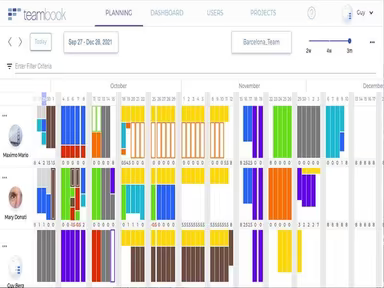
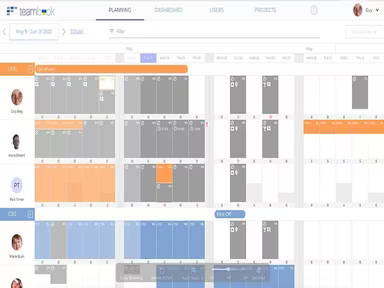
This software excels in its visual planning and scheduling functionalities. It offers a comprehensive view of your team's workload, enabling you to identify availability at a glance. Teambook facilitates effective resource distribution, ensuring that no team member faces overwork or underutilization.
Teambook Pricing
The pricing plans available are as follows:
Starter - $3/month
Small - $45/month
Medium - $75/month
Large - $90/month
You can also request a tailored Teambook quote based on your organization’s size and specific requirements to find the most suitable pricing options.
Please note that prices may change.
Teambook Integrations
This software seamlessly connects with various third-party applications, including:
Slack
Zapier
Hubspot
Jira
Quickbooks
Rippling
Payfit
How Does Teambook Work?
To get started with the software, follow these steps:
Log into your account using your credentials.
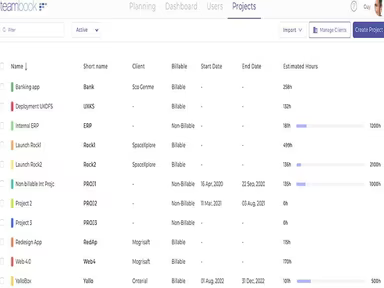
Create new projects, allocate resources, and assign tasks to your team members.
Visualize your plan for an overview of your consultants' workloads.
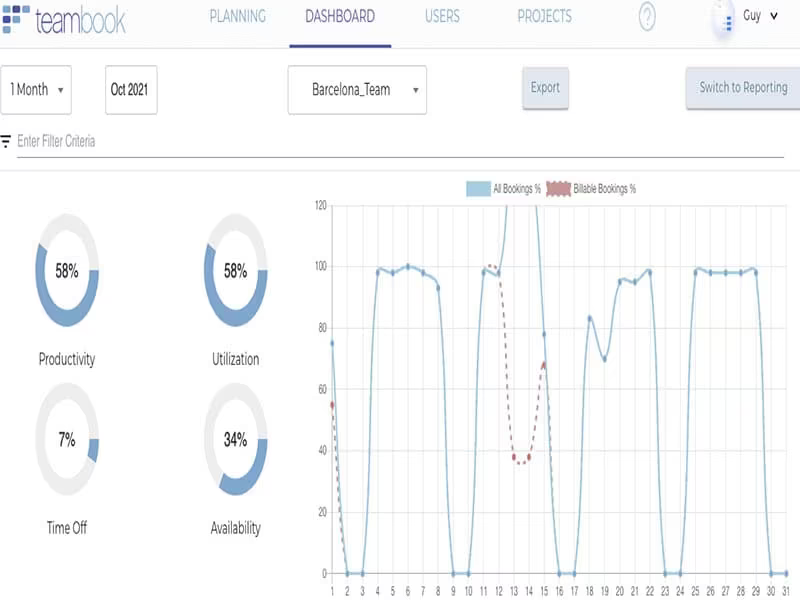
Track the time dedicated to each project and enhance employee utilization.
Analyze capacity planning to remove uncertainty.
Synchronize calendars automatically.
You can also view a free demo of Teambook to explore its features and functionalities.
Who Is Teambook For?
This tool is tailored for businesses of all sizes, from small startups to large enterprises. It is particularly valuable for:
Project managers
Consultants
Executives
Is Teambook Right For You?
If you're in search of a project resource planning tool that provides visual scheduling, swift booking, capacity management, time tracking, and comprehensive analysis, then Teambook could be an excellent fit. It employs secure cloud technology to safeguard your data and is scalable to accommodate your expanding team needs.
If you're still uncertain about whether Teambook is the right option for you, feel free to reach out to our customer support team at info@softwareseekers.com for assistance in making the best choice.