

Teamup
Simplify scheduling and enhance team communication with Teamup Calendar software. Streamline your calendar management effortlessly!
Are you finding it challenging to keep your calendar organized and stay in touch with your colleagues? The Teamup Calendar software provides an efficient solution for scheduling and managing your calendar. Discover this cutting-edge tool that serves multiple industries, simplifying the process of coordinating tasks and timelines effortlessly.
What Is Teamup?
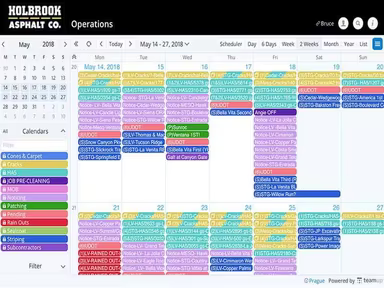
Teamup is a cloud-based application aimed at enhancing your ability to organize, schedule, and disseminate information more effectively. Its main purpose is to deliver a straightforward yet powerful platform for managing calendars and scheduling tasks.
This software simplifies the coordination of various schedules, events, and tasks within one cohesive system. Teamup is well-regarded in the industry for its ease of use and efficiency.
Teamup Pricing
The pricing plans available are as follows:
Free - $0
Plus - $12/calendar/month
Pro - $29/calendar/month
Business - $69/calendar/month
Enterprise - $129/calendar/month
These various pricing structures are designed to accommodate the changing requirements of different organizations. You can also inquire about a personalized Teamup cost.
Note: Pricing may vary over time.
Teamup Integrations
This software seamlessly connects with several third-party applications, including:
Zapier
Trello
Google Sheets
Slack
Airtable
How Does Teamup Work?
Once you log in, you can start using the software by following these steps:
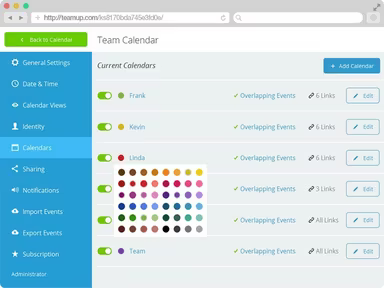
Create new calendars for distinct projects or teams.
Adjust the look and settings of each calendar to fit your needs.
Easily rearrange events using the drag-and-drop feature.
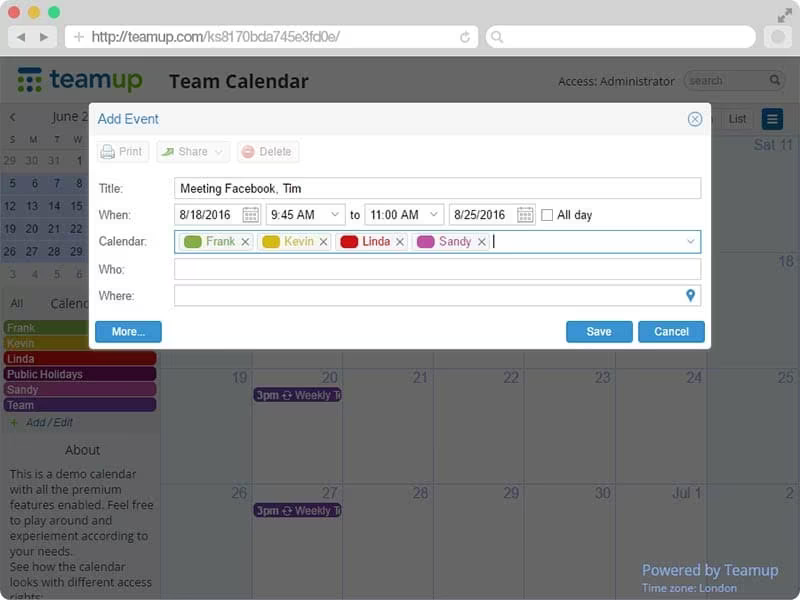
Add events, tasks, or appointments to your calendars.
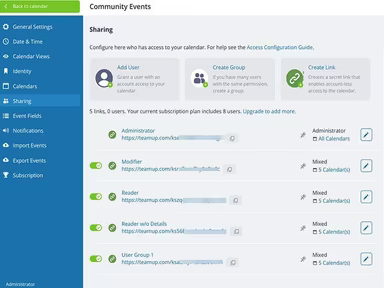
Share calendar links with team members or outside collaborators.
Establish access permissions for each shared link.
Utilize color coding to visualize information clearly.
Track activity on shared calendars via the dashboard.
You can also arrange a free demo of Teamup to explore its features further.
Who Is Teamup For?
The design of Teamup Software caters to a wide range of users across various industries and sectors, such as:
Event Planning
Project Management
Education
Is Teamup Right For You?
If you are in search of an intuitive, adaptable, and effective tool for scheduling and calendar management, then Teamup Software could be an ideal solution for you.
This software emphasizes the protection of user data. It operates on Amazon Web Services (AWS) and incorporates multiple security protocols to safeguard your information. Additionally, Teamup is scalable, making it suitable for businesses of all sizes—small, medium, or large.
If you're still uncertain whether Teamup Software meets your needs, reach out to us at info@softwareseekers.com for guidance in making an informed choice.